On-Stream Widgets
Casterlabs-Caffeinated has a powerful suite of alerts suitied for all possible usecases. Whether you stream to one platform, or multiple platforms our alerts package is fully flexible for your needs.
All Casterlabs-Caffeinated stream event Alerts can be added into your streaming software (OBS etc) as Browser Sources.
Available Widgets
From the Create a New Widget pop-up in the Widgets & Alerts tab in Casterlabs-Caffeinated you can create these two different Widgets to add to your stream overlay.
- Now Playing
- Cam Widget
Casterlabs-Caffeinated can display a widget on screen which shows what song you are currently listening to. You can customize the way the widget appears on your stream overlays.
The Now Playing Widget uses whichever service you have connected in Settings > Accounts > Music Services.
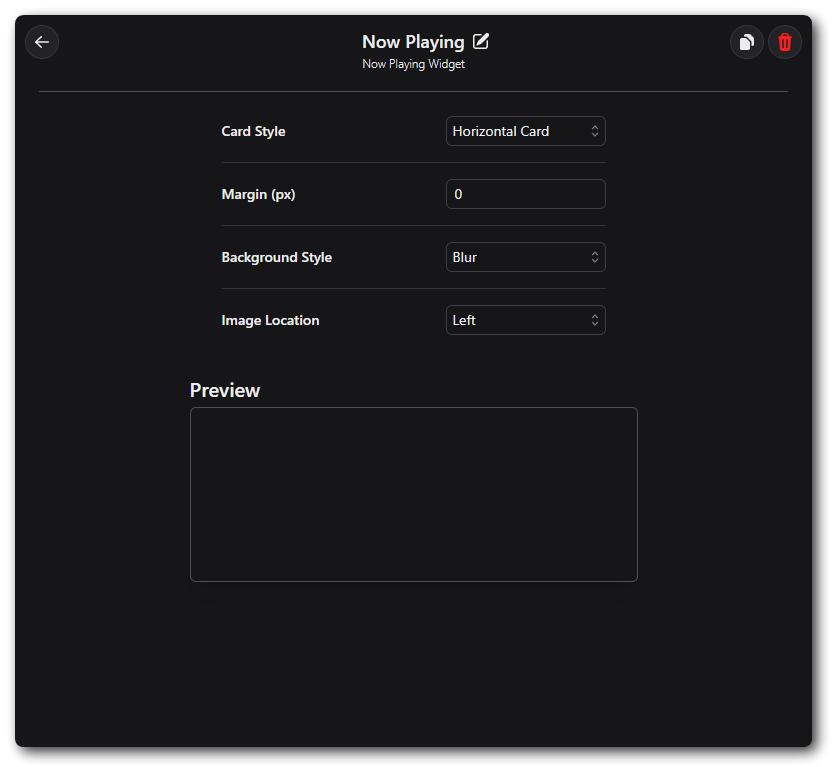
Horizontal Card
The Now Playing Card option will display the Album Art along with the song title and Artist, with the Album Art blurred in a rectangular format.
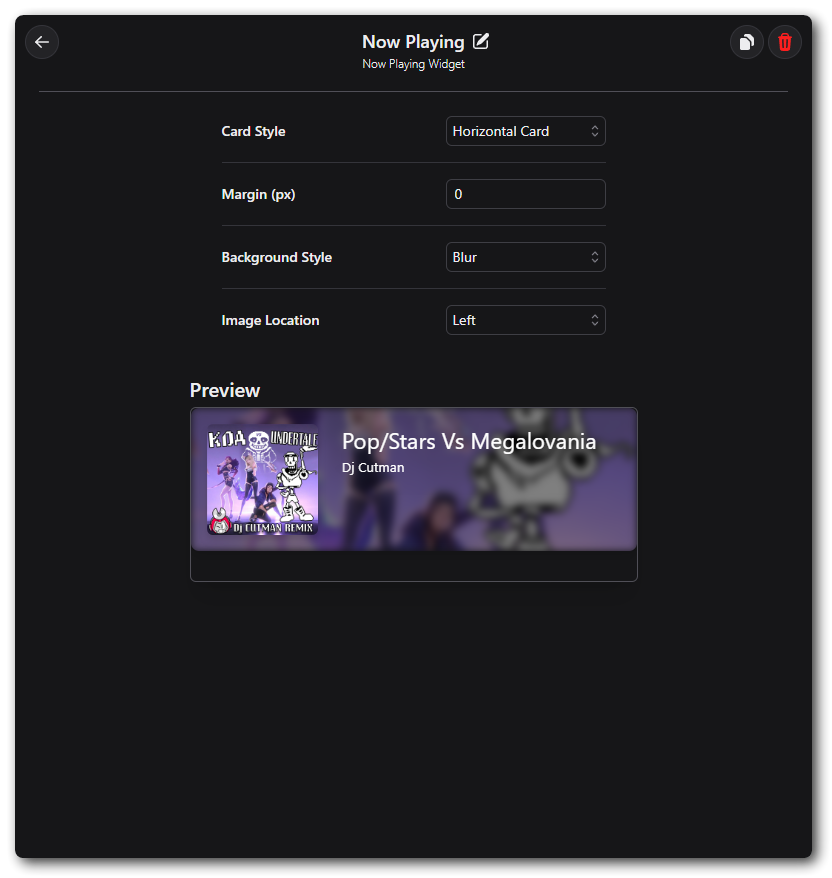
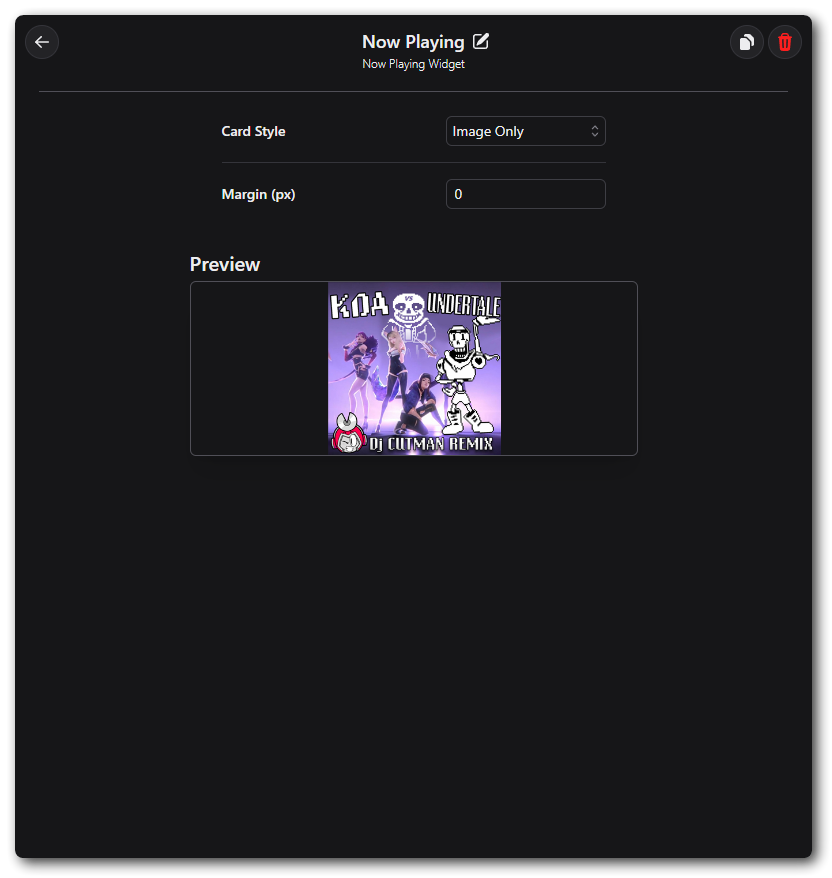
Image Only
The Now Playing Image will display just the Album Art of the track you are listening to.
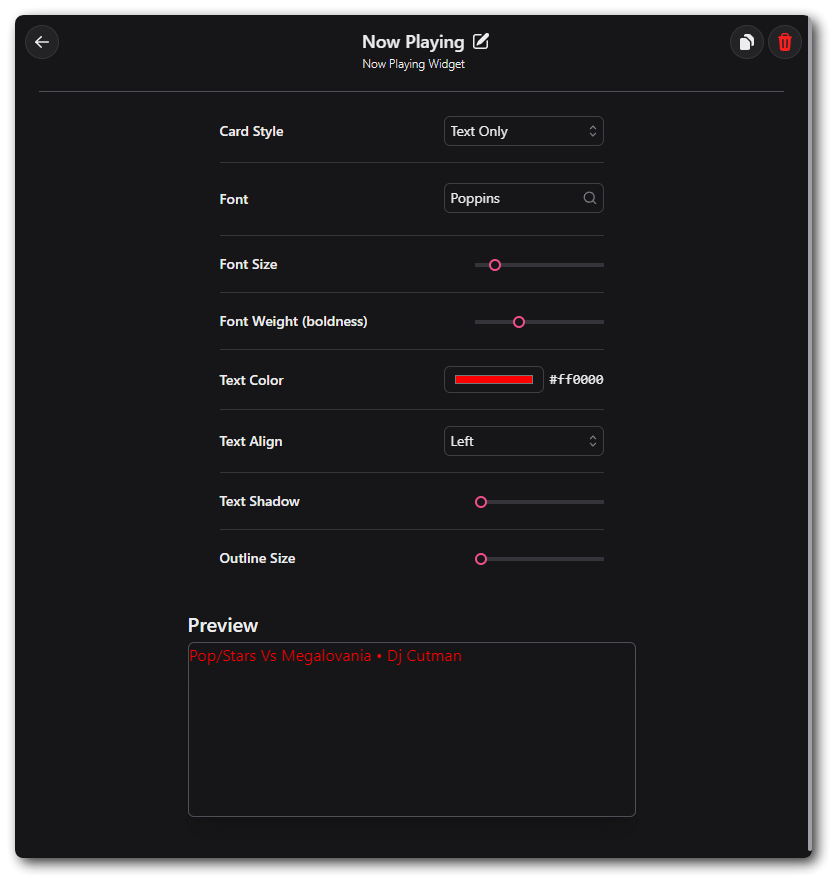
Text Only
The Now Playing Text Only option will only display the Artist & Track title.
The Cam Widget is currently non-functional and is being reworked for a future release of Caffeinated.
This section will be updated when the Cam Widget is available again.